What tools did you find useful in your explorations this week and how did you use them? Which ones were not useful?
I found this website called Gencraft which is an AI-generated art created with a range of tools available . The main tool is the AI Art Image and Video Generator, which creates images from user-provided text. Gencraft offers a lot of varieties of genres, such as anime, photorealism, cartoons, and paintings, enabling users to further personalize their works.
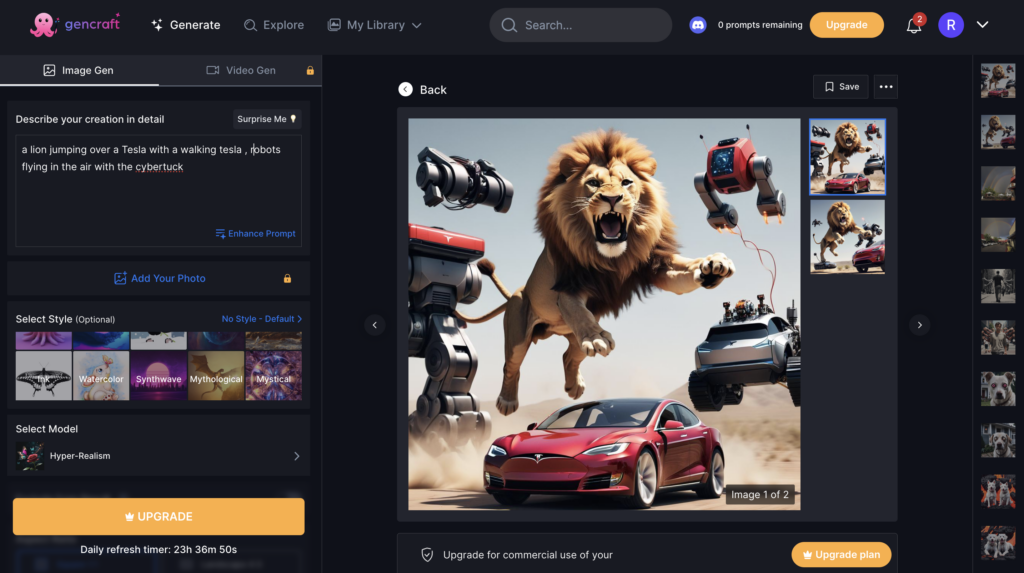
I discovered that Gencraft is a strong platform for producing AI-generated art. The tool I experienced the most in the website was the AI Art Image Generator. All I had to do was entering a written description of the image I wanted to make. After that, the AI turned my writing into a distinctive work of art. My designs gained a customized touch when I was able to choose a style for my image. For example in the image below I typed two dogs in lava and the AI art image generated it for me.
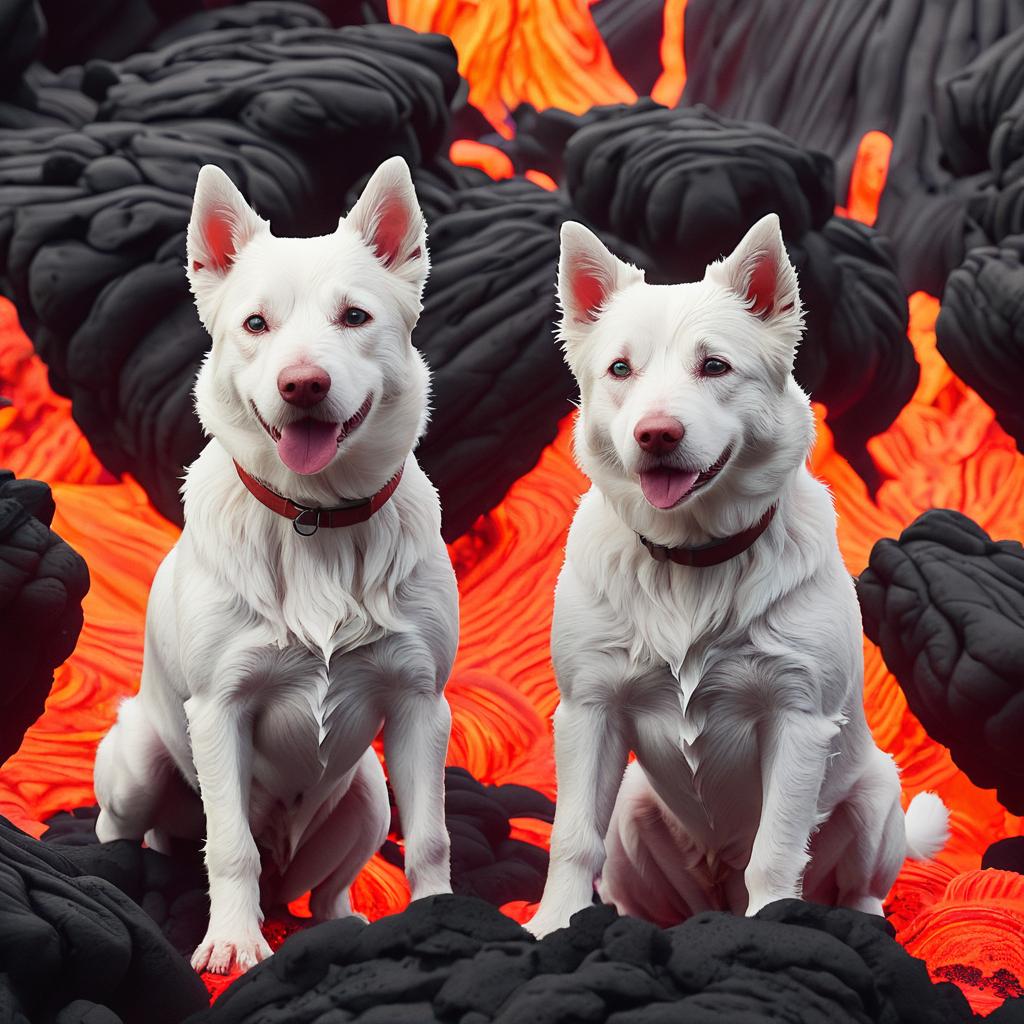
“two dogs in lava ” prompt, Gencraft, version 2, OpenCLIP, 17 April. 2024, https://gencraft.com
My experience with AI tools, such as Gencraft, has shown me that although they can be quite strong, they are not perfect. I entered a text prompt asking for a picture of a man with five arms walking but instead the AI gernarated a picture of a guy with twelve arms walking. This showed me that AI is not always relable. It’s important to keep in mind that it could not always provide the expected outcomes. When using AI for activities that need a high degree of accuracy and precision, it’s always a good idea to double check the results.
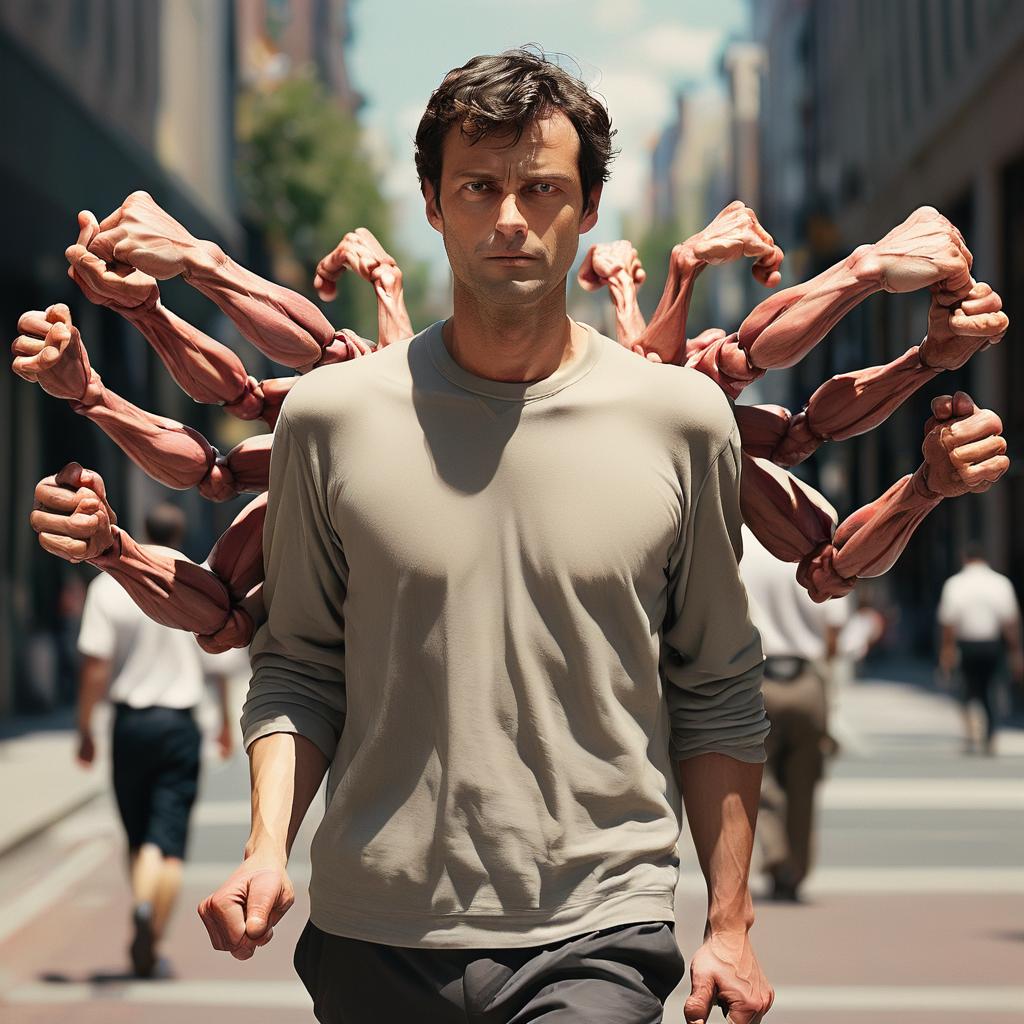
“A man with five arms walking” prompt, Gencraft, version 2, OpenCLIP, 17 April. 2024, https://gencraft.com
Where do you think these tools will be in their evolution in 2-3 years’ time?
I think that AI tools will have greatly improved in the next two to three years. They will probably be more competent, adaptable, and efficient. AI will be easier to implement into many industries, and more people worldwide will have access to the technology. I also think that more advanced models that can comprehend and learn from intricate patterns in data will also be developed as AI advances. These models will not only increase forecast accuracy, but they will also improve decision making across a range of industries, including banking, healthcare, and transportation.
SECTIONS analysis
Students: Students interested in digital art, artificial intelligence, or graphic design are more likey to use the tools in Gencraft. This gives students the chance to play with artificial intelligence generated art and learn about the possibilities of AI in the arts.
Ease of use: User-friendliness is a important in tool design. Students who are unfamiliar with AI or digital art tools will find it easy. To create a picture, users only need to input a few phrases, after clicking the “Generate” button. Using the description as a guide, the AI will create a picture.
Costs: Free and paid options are both available under Gencraft’s freemium business model. Users may experiment with the tool and view the produced finished work in the free version.
Teaching & Media: Digital art and AI concepts can be taught using the tool. For presentations, projects, or digital portfolios, it can also generate unique images.
Interactivity: The tool allows for interactivity as users can provide different text prompts and see how the AI interprets and transforms these prompts into art.
Organizational issues: Gencraft’s design makes it simple to oversee students’ progress and integrate with developing new teaching styles
Networking: The tool can be used across various devices including Web, iOS, and Android. This makes it accessible and easy to use for a wide range of users.
Security & Privacy: Several security standards are met by Gencraft. Gencraft has put safeguards in place to secure user information and privacy.
Recent Comments